
Video Layout Types: Features, Applications, and Choosing the Optimal Option
In the modern world, video conferences have become an integral part of business communication. Various types of video layouts have been developed for the convenience of participants and to increase the effectiveness of interaction. In this article, we will explain what a video layout type is, where it is used, and describe in detail each of the available options.
What is a video layout type?
A video layout type is a way of displaying participants of a video conference on the screen. It determines how the video streams of all participants or only the active speaker will be shown. Choosing the appropriate layout type depends on the format of the event and its goals.
Different types of layouts help participants to better focus on what is happening, improve information perception, and make the event more productive.
Where can you choose a layout type?
The choice of layout type is available in the following event formats: meeting, selector, seminar.
To change the layout type during the event, press the layout button in the top left corner of the screen and select the desired option. 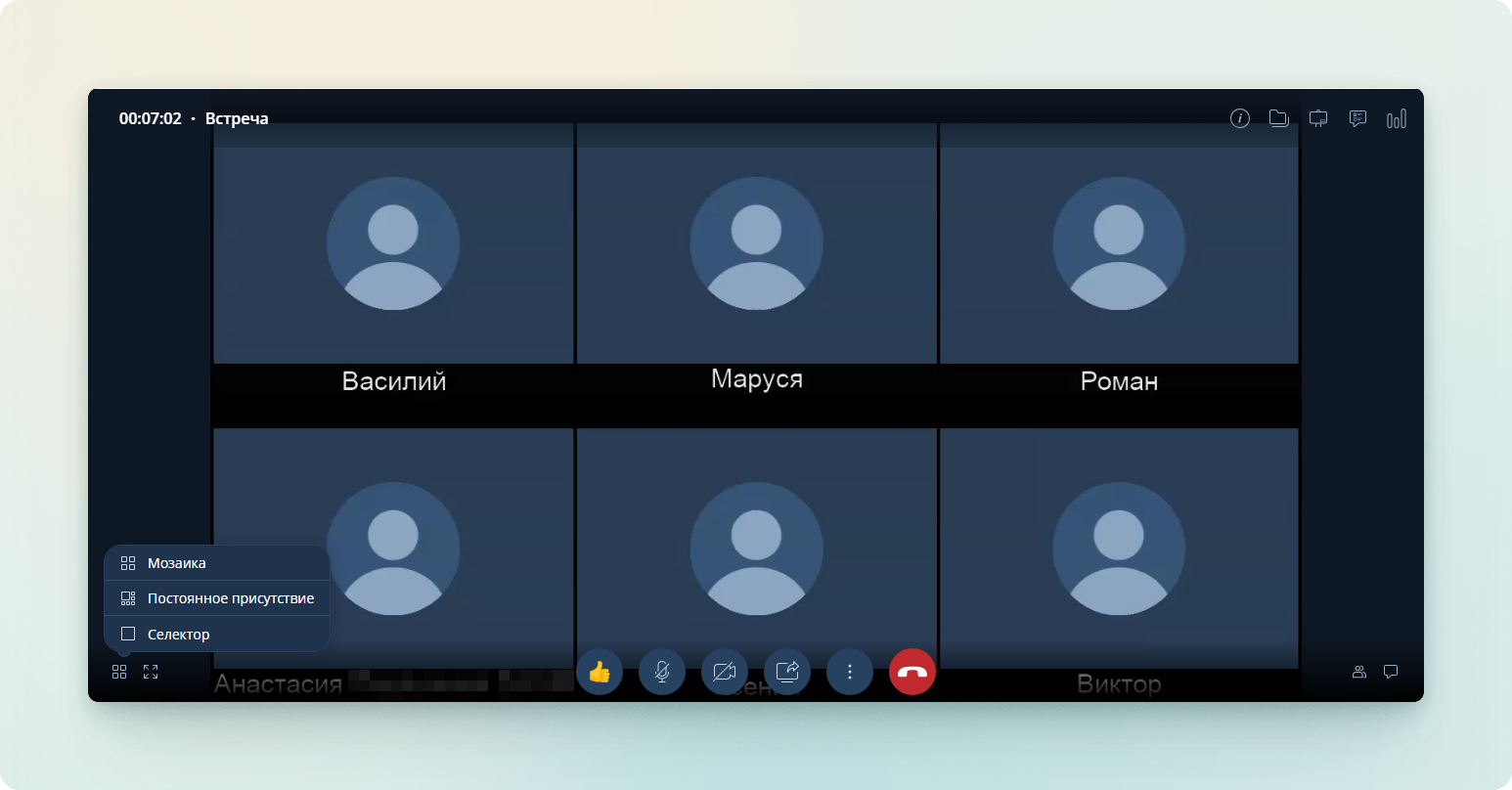
Video Layout Types: Detailed Description
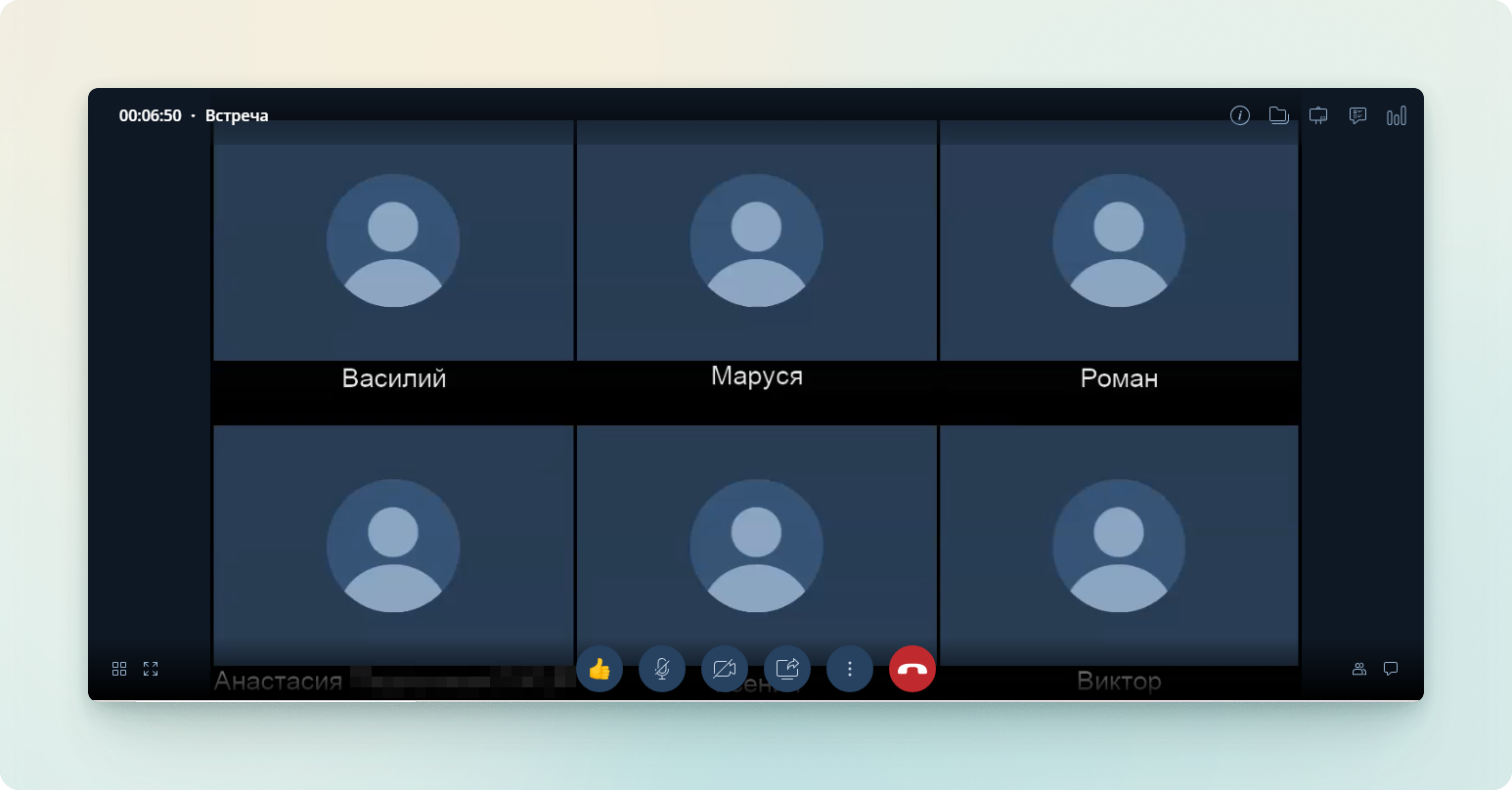
1. Mosaic
What does it look like? All participants of the video conference are displayed in equally sized windows arranged in a grid. This allows you to see all attendees simultaneously.
For which events is it suitable?
- Meetings where it is important to see the reaction of each participant.
- Brainstorming sessions and informal discussions.
- Educational events where active participation of all listeners is required.
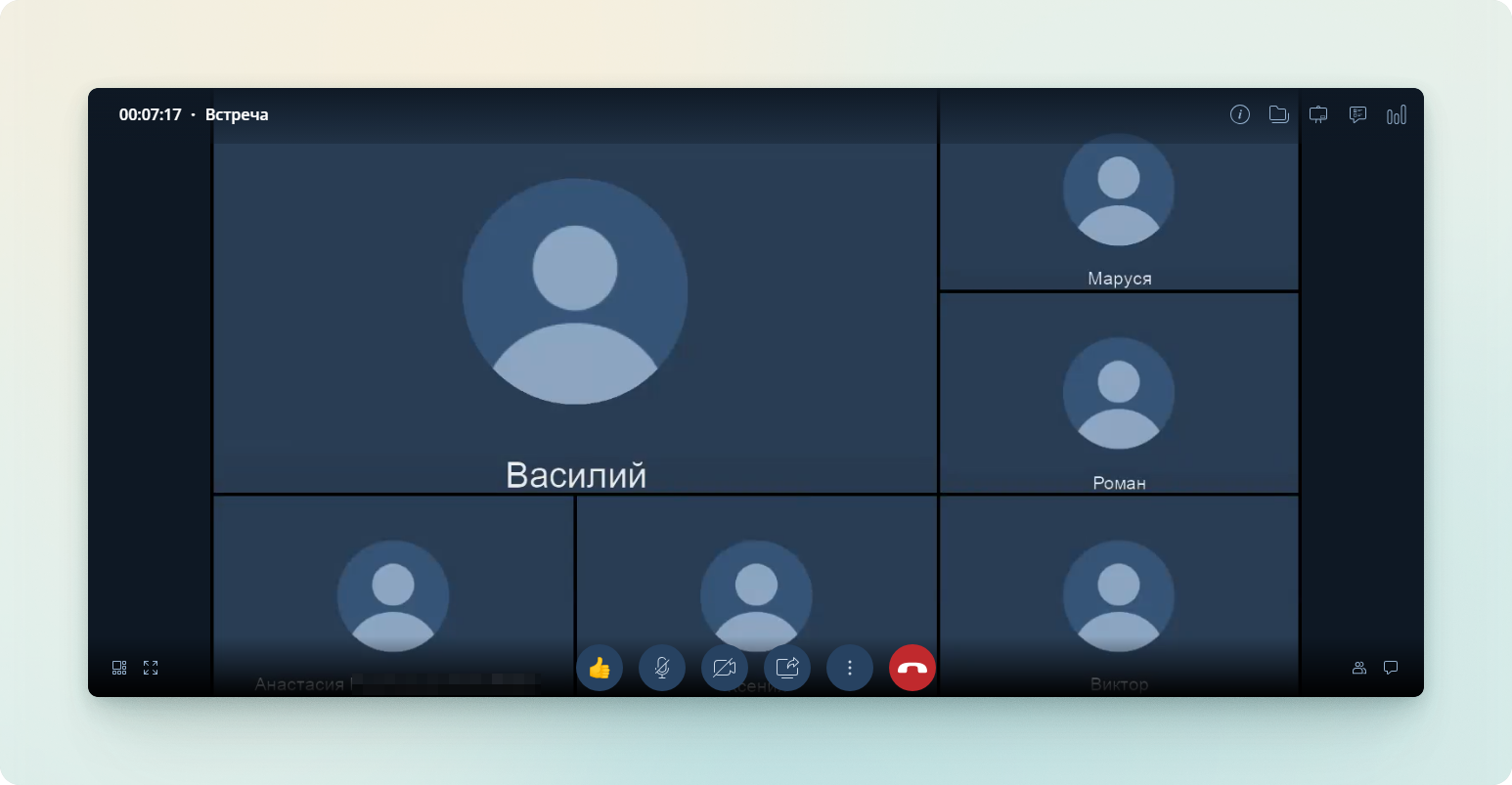
2. Continuous Presence
What does it look like? The active participant (for example, the speaker) is displayed in a large window, while the other participants are visible in smaller windows below or to the side.
For which events is it suitable?
- Presentations, projects, or reports.
- Events where the main focus is on the speaker.
- Situations where it is important to focus attention on one person.
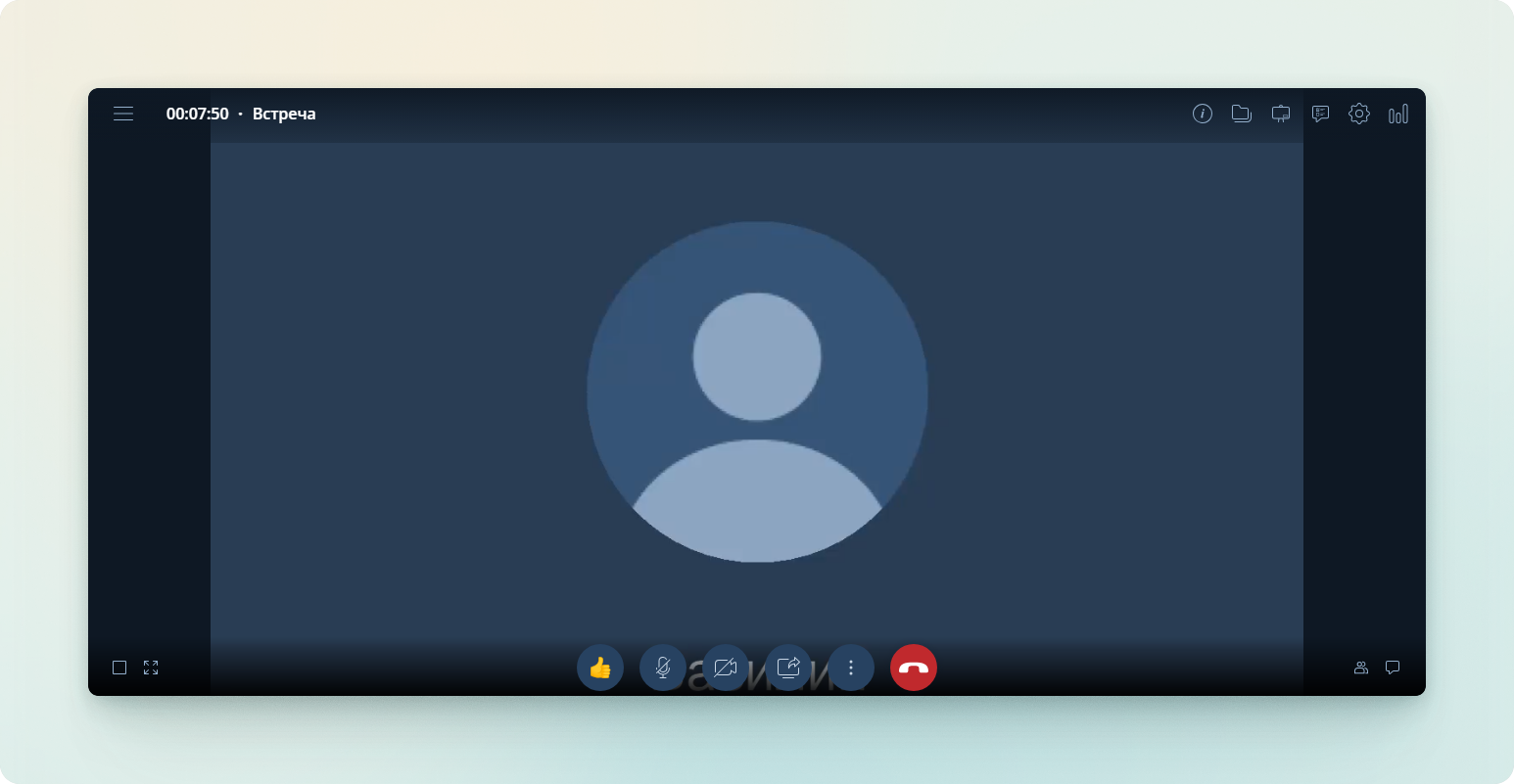
3. Selector
What does it look like? Only the active participant is displayed on the screen.
For which events is it suitable?
- Events with a large number of participants where it is important to focus on the speaker.
- Formal meetings and official events.
- Live broadcasts where viewers should only see one person.
Try different layout options and evaluate which one best suits your needs!